

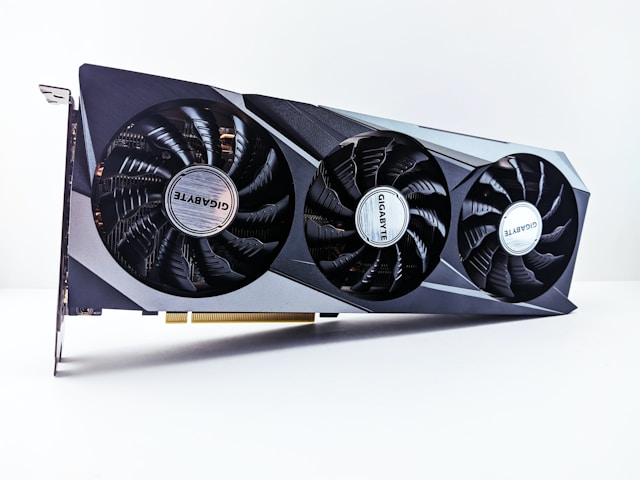
Got a new GPU but games still run like shit? Your CPU is probably choking. Use this bottleneck calculator to find out what’s slowing you down.
What This Tool Does
You pick your CPU, GPU, RAM, and resolution. The calculator spits out a percentage. Under 15% means you’re good. Over 20% means something’s holding you back.
Most people buy a beefy graphics card and wonder why frames still drop. Nine times out of ten, their old processor can’t keep up. The GPU just sits there waiting for data.
How Resolution Changes Things
1080p gaming hits your CPU harder. Your processor has to push more frames per second, and that takes work.
4K flips the script. Now your GPU does the heavy lifting because each frame has way more pixels to render. Your bottleneck shifts completely depending on resolution. Pairing an RTX 4070 with some ancient i5-6600 and expecting smooth gameplay? Come on.
Reading Your Results
Run a game and open Task Manager.
If your CPU hits 100% and the GPU barely breaks 60%, the processor is the problem. Flip that around—GPU maxed, CPU chilling—and you’re in a good spot.
Both under 50%? Either the game is light or something else is wrong. Check your drivers. Check your RAM. Maybe close your browser and whatever else is eating resources.
Squeeze More Out of Current Hardware
Turn down CPU-heavy settings. Draw distance, NPC count, physics quality. These murder your processor and barely affect how the game looks.
Close background crap. Discord, Spotify, whatever. Free up those CPU cycles.
BIOS and chipset driver updates help sometimes. Worth five minutes.
Overclock if your cooling can handle it. Free performance sitting on the table.
When You Actually Need to Upgrade
The pc bottleneck calculator shows exactly which part to replace. Don’t guess. Don’t listen to Reddit. Plug in your specs and see the numbers.
If CPU bottleneck is over 20%, get a new processor. If GPU bottleneck is over 20%, get a new graphics card.
Buying both at once? Run the calculator with the new parts before you order. Make sure they actually match.
What Percentage is Bad?
10% or under is solid. 15% is fine for most games. 20% and up means you’re leaving real performance on the table.
Does RAM Matter?
Not as much as CPU or GPU. But if you’re running single-channel or slow sticks under 3000MHz, yeah, it can drag things down. Dual-channel 3200MHz minimum these days.
CPU or GPU First?
Check the calculator results. The bigger percentage tells you what to replace.
Do Game Settings Help?
Partially. You can reduce the bottleneck by tweaking game options. But you can’t eliminate a hardware mismatch with software.



